
Key Takeaways
You sign in to your universal credit account at the official GOV.UK website using the username and password you created when you first claimed universal credit.
Your online account is where you see payments, your to do list, journal messages, and details of your universal credit claim, including your first payment date.
If you cannot sign in, use the "forgotten username/password" links on the login screen, check your email or phone for security codes, and call the universal credit helpline if you are still stuck.
You must sign in regularly to complete tasks, report changes, upload evidence such as childcare costs, and manage how universal credit interacts with your other benefits.
Only use the official universal credit online service, never share your login details, and remember that DWP will not ask for your bank details by text, email, or journal message.
Introduction: why your Universal Credit account sign in matters
Most people now claim universal credit online and manage everything through a single online account. Signing in lets you check your universal credit payments, keep on top of your to do list, send and read messages from your work coach, and update your circumstances whenever something changes. Whether you are a single person or part of a couple, the account is your main point of contact with the Department for Work and Pensions.
This article walks through the practical steps to sign in, what to do if you have problems, and how to use your account after you have claimed universal credit. The guidance reflects rules and processes in Great Britain as of June 2026. Northern Ireland has a separate universal credit system with its own portal.
How to sign in to your Universal Credit account
You use the same username and password you created when you first applied online. If you have already submitted a universal credit claim, your login credentials are ready to use right away.
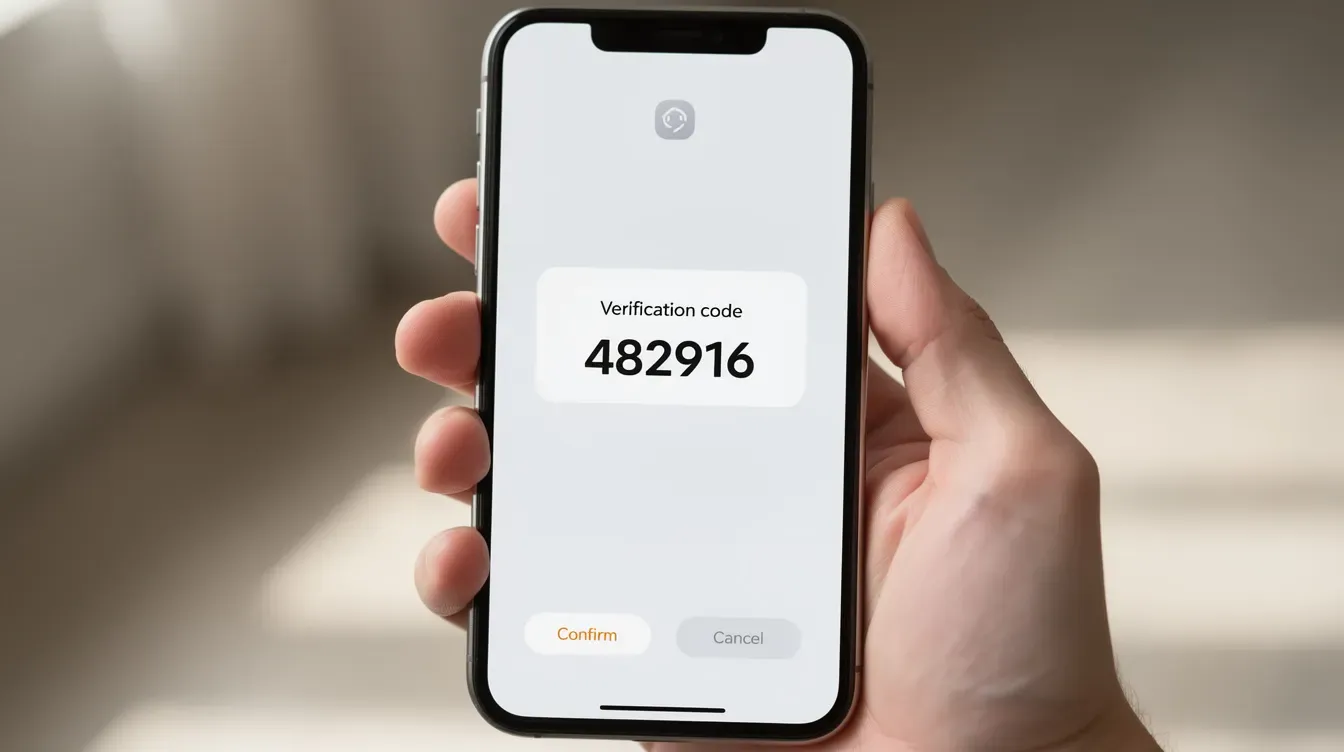
To access your universal credit account, go to the official sign-in page on GOV.UK. Choose "Sign in to your Universal Credit account," then enter your username and password. Security checks may include entering a 6-digit code sent to your mobile phone or email. You may also be able to use an authenticator app if you have set one up under the GOV.UK One Login system.
Your universal credit online account works on computers, tablets, and smartphones. Always check the web address ends in ".gov.uk" before entering any details-there is no official universal credit app, and third-party apps should be avoided.
After signing in you can see your journal, payments, to do list, and any messages about your universal credit claim. Users can check when their next payment is due through their online account, and you can also check your journal and to-do list after signing in to stay on top of tasks.
Sign out of your account when using a shared or public computer. Do not let browsers save your password on devices that others can access, and avoid signing in over unsecured public Wi-Fi whenever possible.
If you have never claimed Universal Credit before
You only have a universal credit account if you have already started a claim. If you have never claimed, you will not have login details-so the "sign in" page is not the right starting point for you.
Instead, go to the universal credit page on GOV.UK and choose the option to apply online. From there you will be asked to create a new universal credit account with a username, password, and security questions, and then start a universal credit claim.
Before you begin, gather details of your income and savings. You will also need information about housing, childcare costs, and children ready because this feeds directly into your to do list and first payment calculation.
Once you have submitted your claim and completed your to do list, you use the same login details to sign in whenever you need to manage universal credit online. You do not need to create a second set of credentials.
If you cannot sign in to your Universal Credit account
Many people run into trouble signing in at some point, and there are official, safe ways to recover your details without starting from scratch.
If you forgot your login details, you can reset them on the login screen. Use the "Forgotten your username" or "Forgotten your password" links. You can reset your sign in details via email-forgotten details can be sent to the email address you originally registered. If you have issues accessing your account, you can use the "forgotten your password" link to trigger this process.
If you no longer have access to your registered email or phone number, contact support if you can't access your registered email. You can call the universal credit helpline or speak to staff at your local Jobcentre, who can help update your contact methods once your identity is confirmed.
Do not create a second universal credit online account if you have already claimed before. This can seriously delay your universal credit claim and payments.
Once you regain access, update your mobile number, email, and address inside your universal credit account straight away. This ensures you receive security codes, messages, and any reminder about upcoming tasks without interruption.
How to apply for Universal Credit online if you have not claimed yet
You must first claim universal credit to get an online account to sign in to. You usually apply for universal credit online through the GOV.UK website.
Here is what the process looks like at a high level:
Go to GOV.UK and check your eligibility.
Start a new universal credit claim.
Create your login details (username, password, security questions) as part of the application process.
You need to confirm your identity to apply-typically using a passport, driving licence, or other accepted ID.
During the application you will be asked questions that later appear on your to do list, covering details such as rent, earnings, savings, children, and childcare costs. You must complete the application within 28 days of creating the account, or the process may reset.
Some people can apply by phone via the universal credit helpline if they cannot use universal credit online because of disability, lack of internet access, or other serious difficulties. Free help is also available from advisers-for example, Citizens Advice's Help to Claim service and local welfare advice organisations can guide you through the universal credit online forms.
What you need before signing in and completing your to do list
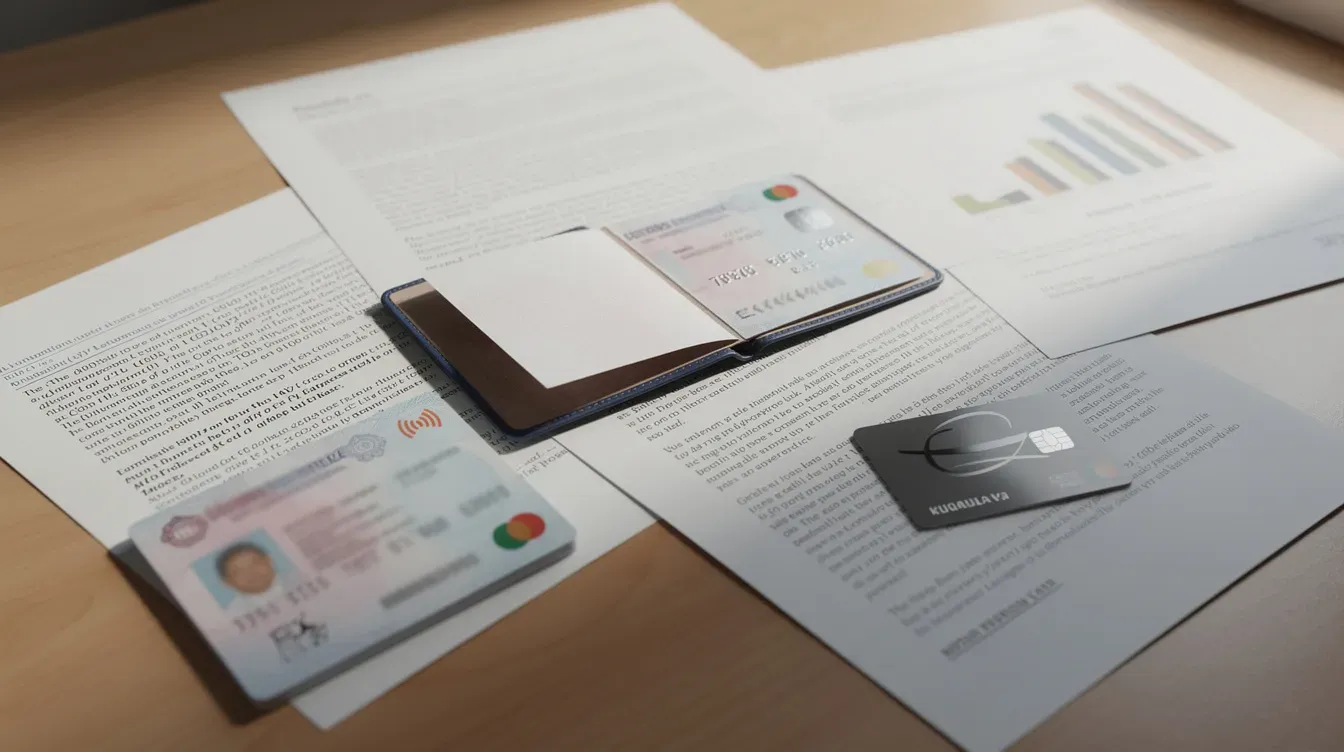
Having key documents ready before you sign in makes it easier to complete your to do list and avoid delays to your first payment. Here is what to gather:
National Insurance number
Rent or housing costs: you need a rental agreement to confirm your housing situation
Recent payslips or self-employed income records (your earnings over the last assessment period)
Childcare costs: invoices or receipts from an Ofsted-registered provider
Bank account details: you must provide your bank account details to submit your claim
Savings and other capital
Details of children and any other benefits you receive
Your universal credit account may ask you to upload photos or scans of documents-such as tenancy agreements or childcare invoices-after you sign in.
For joint claims, both partners must create separate accounts and link them together using a linking code. Each partner should have their own email and phone number ready.
If you do not have some documents to hand, still sign in regularly and use your universal credit journal to tell your work coach when you expect to provide the information. Users can message their work coach via their journal in their online account to keep communication clear.
If you do not have a bank account for your Universal Credit payments
Universal credit is normally paid into a bank, building society, or credit union account in the claimant's name. Joint claimants can use one partner's account for the payment.
If you do not yet have an account, consider opening a basic bank account-these are available even if you have credit issues. Update your bank details in the universal credit online account once you can sign in.
If you have been refused a bank account, you may be able to use a Payment Exception Service. Ask your work coach or the universal credit helpline for guidance on this, as it is treated as an exceptional arrangement.
Completing your to do list after you sign in
Once you have submitted your universal credit claim, you must sign in regularly and complete the tasks on your to do list to avoid delays to your first payment. This step is not optional-missing tasks can hold up your entire claim.
The to do list appears immediately after sign-in on your universal credit account home page. Typical tasks include:
Confirming your identity
Adding housing details and rent amounts
Reporting childcare costs
Booking your work coach appointment-you need to book an appointment with your work coach
Agreeing your claimant commitment
You can usually save answers and come back later, but you will be signed out after 30 minutes of inactivity. Your account will log you out after 30 minutes of inactivity, so it is best to complete each task in one go where possible.
Both partners in a joint universal credit claim will see their own to do list when they sign in and may need to enter a linking code to connect both universal credit accounts. Check the to do list every time you sign in, as new tasks can be added-especially after sending messages or reporting changes in your universal credit journal.
Answering questions about your situation accurately
The questions on your to do list cover key topics such as work, income, savings, housing costs, health conditions, children, and childcare costs. Enter exact amounts from payslips, tenancy agreements, and childcare invoices, including pence, because this affects how much universal credit you receive.
You can claim up to 85% of your childcare costs if eligible-but only if you provide evidence from an Ofsted-registered childcare provider. Giving wrong or missing information can delay your first payment or cause overpayments that must be paid back later. If you are unsure how to answer any part, use your universal credit journal to ask your work coach for help.
After you complete your to do list and submit your claim
Once all to do list tasks are done, you must make a final declaration online to confirm your answers are correct before your universal credit claim can be processed. You can correct information before this declaration if you notice a mistake.
You can still report changes later through your universal credit account if your circumstances change-for example, if you move property, start work, become ill, or your partner's earnings change.
Sign in frequently in the first few weeks to watch for new messages, requests for more evidence, or extra tasks added to your to do list. DWP may ask for further evidence, such as fit notes for a health condition, proof of childcare costs, or confirmation of self-employed earnings, which you can upload or share via your universal credit account.
Keeping your universal credit account up to date reduces the risk of overpayments, sanctions, or gaps in financial support, especially if you also receive other benefits such as Personal Independence Payment, Carer's Allowance, or income-based support allowance.
Confirming your identity through your Universal Credit account
You must confirm your identity to complete your application. Most people are asked to do this online after they first sign in, using documents such as a UK passport, UK photocard driving licence, or other accepted ID. You need to confirm your identity to access your account fully.
If online checks do not work, you will usually be asked to attend a jobcentre appointment or complete identity checks over the phone, with details visible in your to do list. You can confirm your identity in person at the Jobcentre-bring original documents such as your passport, driving licence, bank statements, and tenancy agreements.
Failure to complete identity checks can delay or stop a universal credit claim, so sign in regularly and book these appointments promptly. Do not leave this until a friday if your deadline falls over the weekend-aim for monday or earlier in the week to give yourself time.
Understanding your first payment and future Universal Credit payments
It takes about 5 weeks to receive your first payment after the date you submit your universal credit claim and declaration. This is because your first assessment period runs for one calendar month, and then DWP takes roughly 7 days to process and pay.
For example, if you apply on 10 September, your assessment period runs until 9 October. DWP then processes the claim and issues your first payment around 17 October. You can sign in to your universal credit account to see an estimated payment date and amount, including any standard allowance, housing element, childcare costs, and deductions.
If you are struggling with money while waiting, you may be able to request an advance payment through your universal credit online account or by speaking to your work coach. This advance is interest-free and repaid through deductions from future payments over up to two years.
Payments are normally monthly in arrears. In Scotland, you can ask to be paid twice a month. The same sign in details are used each month to check your statement, confirm earnings, and report changes that may alter your universal credit claim. Keep an eye on your payment history section, especially if you also receive other benefits, to understand how changes in earnings or childcare affect your universal credit amount.

Getting help if you cannot use Universal Credit online
Not everyone can easily manage their universal credit claim online or sign in without support. People who cannot apply online because of disability, long-term health conditions, language barriers, or lack of digital access may be able to claim universal credit by phone.
Call the universal credit helpline and explain why you cannot use the online service. Staff can discuss options such as telephone claims, home visits, or extra support at a Jobcentre. The service is available in both English and Welsh.
Free internet and computer access may be available at Jobcentres, local libraries, and community centres, where staff can sometimes help with basic tasks like signing in or uploading documents. Independent organisations such as Citizens Advice's Help to Claim service and local welfare rights groups can also offer free help if you need someone to hear your situation and guide you through the process.
Staying safe and keeping your Universal Credit account secure
Your universal credit online account holds sensitive information-your address, bank details, identity documents, and messages about your benefit entitlement. Protecting this data matters.
Use a strong, unique password and do not share your sign in details with anyone else, including partners, friends, or relatives. Even if someone helps you manage money, they should not have your username or password.
DWP will not ask for bank or card details by text, email, or journal message from your universal credit account. If you receive a suspicious message asking for this, do not reply-report it. Always access universal credit via the official GOV.UK site or saved bookmarks, and avoid clicking links from unsolicited emails, social media posts, or anything called an "official UC app."
Enable extra security features such as two-factor authentication if offered, and always sign out fully when using a shared computer or public Wi-Fi. If you notice unexpected activity-unrecognised logins, wrong details, or someone else's name on your account-contact DWP support immediately.
Frequently Asked Questions
Can I sign in to my Universal Credit account if I’ve moved house or changed my phone number?
Yes. You can still sign in with your existing username and password even if your address or phone number has changed, as long as you remember your login details. Once signed in, update your contact details and new address in your universal credit account straight away so messages and security codes go to the right place. If you cannot receive security codes because your old phone number is still on the account, you may need to call the universal credit helpline or visit a Jobcentre for help updating your details.
What if I claimed Universal Credit years ago and don’t know if my account still exists?
Your universal credit online account usually remains on the system even after your universal credit claim has closed. Try the "Forgotten your username" and "Forgotten your password" options using the email address and phone number you used at the time you originally claimed. If you cannot recover your details, contact the universal credit helpline rather than creating a new account, so staff can check whether an old claim or letter of confirmation is linked to you.
Can someone else manage my Universal Credit account for me?
You are responsible for your own universal credit claim. Sharing your username and password is not recommended, even with family members, because it puts your data and payments at risk. In some situations, DWP can agree to an appointee who officially manages universal credit on your behalf. This must be set up formally through the Jobcentre, so speak to your work coach if you think this arrangement is needed.
How do I see details of my childcare costs in my Universal Credit account?
Once you sign in, you can usually find childcare-related tasks in your to do list or report updated childcare costs through a specific section of your universal credit claim. You may be asked to provide evidence each month, such as invoices or receipts from Ofsted-registered childcare providers, before universal credit childcare support can be added to your payment. Keep digital copies or clear photos of paperwork so you can quickly upload them when asked.
Will signing in to my Universal Credit account affect my other benefits?
Simply signing in does not change your other benefits. However, reporting changes through your universal credit account or submitting a new universal credit claim can affect some existing payments. Certain legacy benefits like Tax Credits, income-related JSA, income-related ESA, Income Support, and housing benefit may stop when you successfully claim universal credit. If you have received a migration notice inviting you to move from legacy benefits, seek independent advice and use online benefit calculators before you start a new claim-especially if you receive disability benefits or live on a low income with help towards rent.


