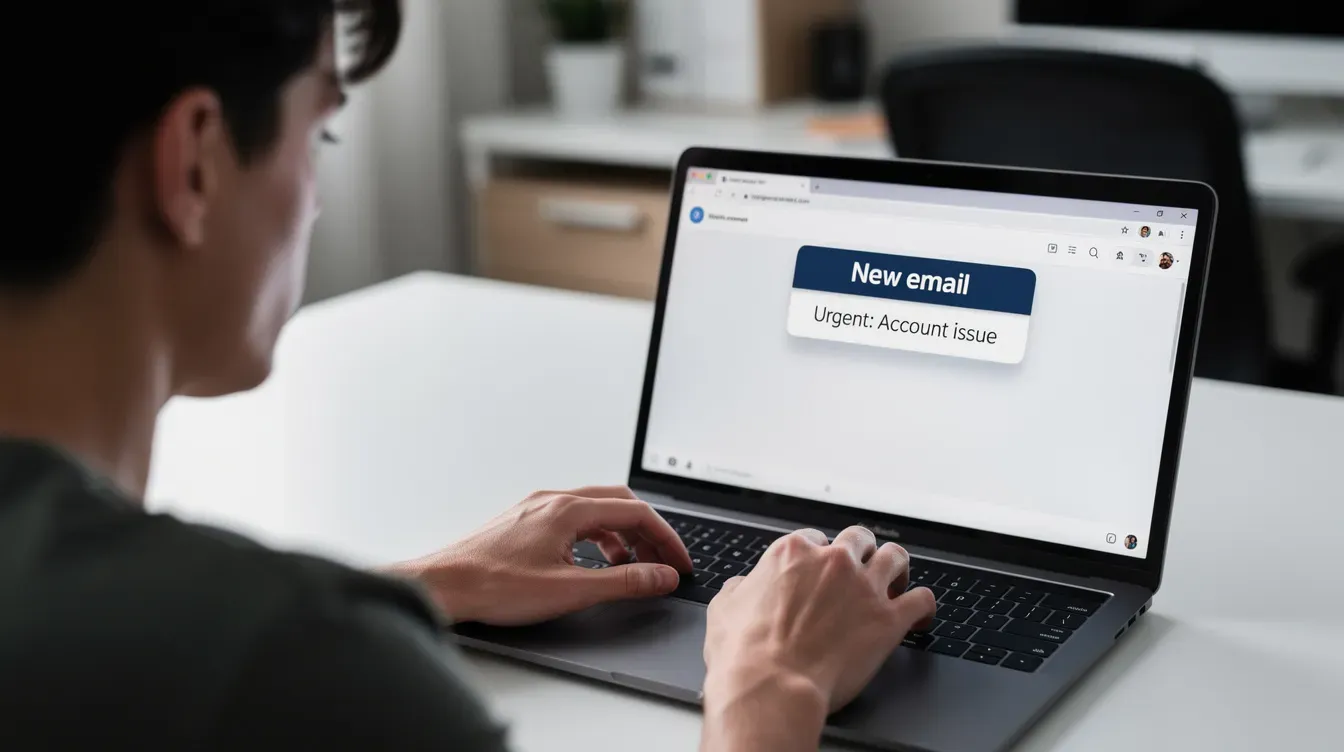
With 73% of UK adults having been targeted by HMRC scams and over 135,500 suspected scam reports filed in just ten months, HMRC phishing emails remain one of the biggest threats facing UK taxpayers right now. These fraudulent emails aim to steal personal information or money by impersonating HM Revenue and Customs. Here is everything you need to know to recognise fake emails, protect your details, and act quickly if something slips through.
Key Takeaways
HMRC will never email or text to offer a tax rebate or ask for bank details. Any unsolicited message requesting personal or payment information is almost certainly a scam.
HMRC phishing emails surge around key dates such as the 31 January Self Assessment deadline and the 31 July payment on account. Be extra cautious during these periods.
A genuine HMRC email ends with @hmrc.gov.uk and will never ask for PINs, passwords, or full bank card details via email, text, or unsolicited phone call.
If you have already clicked a link or shared information, contact your bank immediately, change passwords, and report the incident to Action Fraud.
Report suspicious emails to phishing@hmrc.gov.uk and delete them. Reporting helps HMRC and law enforcement disrupt scams and protect other taxpayers.
What is an HMRC phishing email and why this alert matters now
A phishing email is a fake message designed to look like genuine contact from HMRC. Scammers pretending to be from HM Revenue and Customs use these messages to trick people into handing over personal details, bank details, or money. They copy HMRC logos, language, and even use spoofed email addresses or phone numbers to appear legitimate.
HMRC tax scams typically spike around UK tax deadlines, especially late December through 31 January and again in July. Major policy changes, such as shifts to income tax thresholds or cost-of-living support schemes, also give criminals fresh material to exploit. In the period leading to January 2026 alone, HMRC recorded 4,800 Self Assessment scams and roughly 29,000 fake tax refund claim scams.
The threat is not theoretical. A large-scale phishing operation compromised around 100,000 taxpayer online accounts and resulted in approximately £47 million in fraudulent tax repayments. Thirteen suspects in Romania were subsequently arrested.
This article focuses on phishing emails but also covers related scams via phone calls, text messages, WhatsApp messages, and social media so you can protect yourself on every channel. By the end, you will know how to recognise fraudulent emails, verify whether an email is genuine, and what to do if you have already responded to fake emails.
How to recognise a fraudulent HMRC phishing email
Spotting a phishing email gets easier once you know the common warning signs. Look for these red flags before you click anything:
Urgent or threatening language. Scammers often use urgent language to pressure victims with phrases like "final warning," "your tax refund will be cancelled today," or "your HMRC account will be closed in 24 hours." Phishing emails may claim urgency to pressure individuals into action before they have time to think.
Generic greetings. Phishing emails often use generic greetings like "dear customer" or "Dear Taxpayer" instead of your full name or official HMRC reference number.
Suspicious sender addresses. Look for addresses that do not end in @hmrc.gov.uk. Scammers use free webmail domains, misspellings like "@hmrc-gov.com," or hidden reply-to addresses that differ from the display name.
Requests for sensitive information. Any email asking you to disclose personal or financial details such as your date of birth, national insurance number, mother's maiden name, card number, or full passwords is a scam. HMRC will never ask for personal details via email or text.
Suspicious links and attachments. Watch for links to non-GOV.UK websites, shortened URLs, or attachments you were not expecting. Never open attachments from unknown senders, especially around times you are not dealing with any HMRC query.
Poor quality writing. Phishing emails often contain spelling and grammar errors. Compare the tone and layout against previous genuine HMRC emails in your inbox. Odd formatting, inconsistent branding, and awkward phrasing are all extra red flags.
Threats of legal consequences. Scammers may threaten legal action to pressure victims into compliance. Genuine HMRC correspondence rarely demands instant action or threatens immediate enforcement in a first contact.
Common HMRC scam themes: refunds, tax bills and “account verification”
Most HMRC scams recycle a handful of emotionally powerful stories designed to make people act without thinking. Recognising the pattern is often as strong a defence as spotting technical clues.
Fake tax refund or tax rebate offers. Fraudulent HMRC emails often promise tax refunds to steal information. They claim you are due a tax refund and need to click a link and enter bank account details. These peak close to 31 January and after the end of the tax year on 5 April. HMRC will never send tax refund notifications by email.
Outstanding tax demands. Emails claiming you owe unpaid tax or are under investigation for tax fraud, threatening court action or arrest unless you pay money immediately. Scammers often threaten arrest for unpaid taxes during scam calls as well, demanding payment via links or phone numbers in the message.
Account locked or verify your account. Messages demanding login details to supposedly restore access to your HMRC account. HMRC will never ask for full HMRC login credentials by email.
Customs and delivery scams. Parcel duty scams claim HMRC needs a small customs fee before releasing a delivery. Victims are directed to a fake website that steals card details and payment information.
Cross-channel repetition. These same stories appear in text messages, WhatsApp messages, social media posts, and phone calls. Fraudulent texts may offer tax refunds in exchange for personal details. A text message claiming to be from HMRC about a refund uses the same playbook as scam emails. Recognising the underlying theme helps you spot scams across all channels.
Checking if an HMRC email is genuine contact
Not every unexpected message is a scam. HMRC does send some genuine emails, but with strict rules about what they will and will not include.
A genuine HMRC email about tax matters, repayments, or security updates will come from an address ending in @hmrc.gov.uk. Check the official HMRC Contacts guide for examples of phishing attempts and a list of current legitimate email campaigns.
Never use links, phone numbers, or QR codes inside a suspicious email to verify it. Instead, go directly to GOV.UK and navigate to HMRC services, or use known contact details from recent official letters or the UK government website.
Hover over links without clicking to preview the real destination. Look for genuine GOV.UK domains such as gov.uk or tax.service.gov.uk. Avoid near-matches with extra words or unusual extensions.
Compare any email about refunds, PAYE codes, or Self Assessment with the status shown in your online HMRC account or the HMRC app. These provide authoritative financial information that overrides whatever a suspicious email claims.
HMRC will never ask for full passwords, bank PINs, or complete card numbers by email.
How HMRC will and will not contact you (email, phone calls, texts and more)
Understanding normal HMRC communication helps you quickly spot anything unusual.
What HMRC may do:
Send emails and text messages linking to GOV.UK guidance or prompting you to log in to online services. These messages do not request personal or financial information or ask you to confirm full login credentials.
Make genuine phone calls about debt management or ongoing tax enquiries. However, they will not phone out of the blue to offer a tax rebate or ask for immediate payment by bank transfer or gift cards.
What HMRC will never do:
Ask for personal details via email or text. HMRC will never ask for bank details via email or text either.
Use social media direct messages to ask for payment or personal or financial details. The UK government WhatsApp channel is one-way and will not ask you to reply with sensitive information.
Threaten arrest in a first phone call or demand you pay money on the spot.
Important caveats:
Scammers use phone number spoofing to impersonate HMRC. Fraudulent texts may spoof HMRC's sender name. A call or message appearing to come from an official HMRC phone number should still be verified independently via GOV.UK.
Genuine HMRC letters and secure messages in your online account remain the most reliable forms of genuine contact. Cross-check any alarming email or suspicious calls against these before acting.
What to do if you receive a suspicious HMRC email, text, or phone call
Do not feel embarrassed. Scammers are sophisticated and 73% of UK adults have been targeted by HMRC scams. The important thing is to act quickly and calmly.
Do not interact with suspicious emails by replying or clicking links. Never click links or open attachments in suspicious emails.
Forward suspicious HMRC phishing emails to phishing@hmrc.gov.uk immediately, then delete them from your inbox and trash folder.
Forward suspicious text messages to 60599 for investigation (standard network charges apply) or, where relevant, to 7726. Network rate and network charges apply at standard rates. Then delete the message.
Report suspicious HMRC-related scam phone calls and suspicious calls using HMRC's online "Report a suspicious HMRC phone call" service on GOV.UK. Include the phone number displayed and time of call where possible.
Email screenshots and URLs of suspicious social media accounts or adverts claiming to be HMRC to branddefence@hmrc.gov.uk.
What to do if you have already clicked, replied, or given your personal details
Fast action increases the chance of limiting damage. Do not panic, but do not delay either.
Contact your bank or card provider immediately if you have shared bank details or made a payment. Ask for payments to be stopped or reversed where possible and for accounts to be monitored. Contact your bank if you have shared personal details with scammers.
Change passwords for your HMRC account, email, and any other accounts that share the same or similar password. Enable two-factor authentication wherever available.
If you have given HMRC login details, your national insurance number, or other sensitive personal information, contact HMRC immediately via the dedicated security address on GOV.UK. Do not include the compromised details in the email itself.
Report fraud to Action Fraud at 0300 123 2040 if you are in England, Wales, or Northern Ireland. In Scotland, contact Police Scotland on non-emergency numbers for online fraud. This helps tackle identity theft and brings law enforcement into the process.
Keep records of all scam emails, contact details, phone numbers used, and any money lost. This evidence may help banks, HMRC, and other organisations investigate and support recovery.
How to protect yourself from HMRC scams in the future
These longer-term steps reduce your risk of falling for future HMRC tax scams and other phishing attacks.
Treat your HMRC login details like online banking credentials. Never share passwords or security codes with anyone, including friends, family, or unverified tax agents.
Install reputable security software to guard against malicious software. Keep operating systems and browsers updated. Use spam filters to reduce unsolicited emails and fraudulent emails reaching your inbox.
Use strong, unique passwords and a password manager. Enable two-factor authentication on email accounts and government logins to make it harder for criminals to take over your account.
Be especially cautious around known HMRC peak periods: January, April, and July. Double-check any message about refunds, Self Assessment, or tax bills received during these times.
Discuss HMRC scams with family members, particularly older relatives or less tech-confident people. Share examples of fake emails and scam calls so they can recognise threatening language and trick people tactics before falling victim.
Staying safe comes down to three habits: pause before you click, verify independently via GOV.UK, and report every suspicious message. Forward any suspicious email to phishing@hmrc.gov.uk today. It takes seconds and protects other taxpayers too.
FAQ
How can I quickly tell if an HMRC email about a tax refund is fake?
HMRC does not notify you of tax refunds or rebates by email, so any unsolicited email offering a refund is almost certainly a phishing email. Check whether the sender address ends in @hmrc.gov.uk, avoid clicking any links, and instead log in directly to your HMRC online account or check recent official letters for confirmation of any genuine refund. Forward the suspected fake email to phishing@hmrc.gov.uk and delete it, even if you are still unsure.
Can I trust a phone call that shows an official HMRC phone number?
No. Scammers often use phone number spoofing to appear legitimate, so caller ID alone cannot be trusted. Hang up, wait a few minutes, and then contact HMRC directly using the phone numbers listed on GOV.UK or on recent official HMRC correspondence. Genuine staff will understand if you want to verify the call and will not pressure you to stay on the line or pay immediately.
Is it safe to click links in genuine-looking GOV.UK or HMRC emails?
While some genuine HMRC emails contain links to GOV.UK, scammers can mimic this appearance. Type www.gov.uk into your browser manually or use saved bookmarks rather than clicking email links, especially when asked to log in or provide any personal or financial information. Hovering over links without clicking to check the full address is a useful extra check, but direct navigation is safest for sensitive actions.
What personal details can HMRC legitimately ask me for over the phone?
In a genuine phone call, HMRC may ask some basic security questions, such as part of your postcode or limited digits from a reference number, to confirm they are speaking to the right person. They will not ask for full passwords, full bank card numbers, PINs, or complete answers to all security questions. Any request for urgent payment or full financial details is a major warning sign. End the call and contact HMRC on an official number if unsure.
What should I do if people keep receiving HMRC scam texts or emails at my address?
Forward each suspicious message to the appropriate reporting service: phishing@hmrc.gov.uk for emails and 60599 or 7726 for suspicious text messages. Then delete them. Check whether your email address or phone number has been exposed in data breaches using reputable services, and consider changing them if the volume of phishing becomes unmanageable. Keep spam filters switched on, block persistent numbers where possible, and remind household members not to respond to any unexpected requests for personal details or payment claiming to be from HMRC.


