Key Takeaways
HM Revenue & Customs (HMRC) is the UK's tax, payments and customs authority. It administers income tax, Self Assessment, PAYE and most other taxes, with services now firmly digital-first.
The UK tax year runs 6 April to 5 April. The online Self Assessment filing deadline is 31 January; paper returns are due by 31 October.
Taxpayers can use a personal tax account and the hmrc app to check their tax code, track a tax refund and manage records securely.
Making Tax Digital for Income Tax starts on 6 April 2027, shifting self-employed people and landlords from annual tax returns to quarterly updates plus a final declaration.
Using the correct tax code and submitting complete, on-time returns helps avoid penalties and ensures any money owed back reaches you promptly.
Introduction to HM Revenue & Customs (HMRC)
HMRC is the UK's tax, payments and customs authority, responsible for collecting revenue that funds the uk's public services. Formed in 2005 by merging the Inland Revenue and HM Customs and Excise, it operates as a non-ministerial department. Beyond collecting the majority of UK tax revenue, HMRC helps families with targeted financial support through benefits and credits, and it acts as a law enforcement agency to prevent tax evasion.
The main taxes HMRC manages include:
Income Tax on earnings, pensions, rental income, savings and some benefits
National Insurance contributions linked to employment and state benefits
VAT on goods and services
Corporation Tax on company profits
Capital Gains Tax and Inheritance Tax
Customs duties and excise on imports, tobacco and alcohol
HMRC facilitates the registration of businesses for various taxes including Corporation Tax and VAT. It also oversees customs charges and facilitates legitimate trade while preventing illegal trafficking and smuggling, managing the borders by collecting import/export duties and handling customs declarations. The Office for Budget Responsibility provides independent projections for tax receipts in the UK, while HMRC focuses on the day-to-day work of administration and compliance. Whether you are an employee, a sole trader or a small business owner, understanding how this system works will help you stay on the right side of your obligations.
How Income Tax Works in the UK
Income tax is charged on earnings, pensions, rental property income, savings interest and certain benefits for each tax year running from 6 April to 5 April. For individuals living in England, Wales or Northern Ireland, a personal allowance of £12,570 means the first portion of income is tax-free. Above that, rates rise through the basic rate (20%), higher rate (40%) and additional rate (45%).
How income tax is collected depends on your situation:
Employees and pensioners pay through PAYE, where tax is deducted each pay period before money reaches your bank account.
Self-employed people, landlords and those with untaxed income report and pay through self assessment.
Consider two quick scenarios. Alison works one job earning £35,000. Her employer uses her tax code to deduct the right amount automatically - she never needs to file a return. Bob, on the other hand, earns £60,000 in gross rental income from property. He must complete a Self Assessment tax return, and if he has overpaid through payments on account, a tax refund may be due.
Tax Codes and PAYE
A tax code is a combination of numbers and letters that tells your employer or pension provider how much income tax to collect under PAYE. HMRC manages PAYE for employees as part of income tax administration, making it the system most people interact with without even realising it.
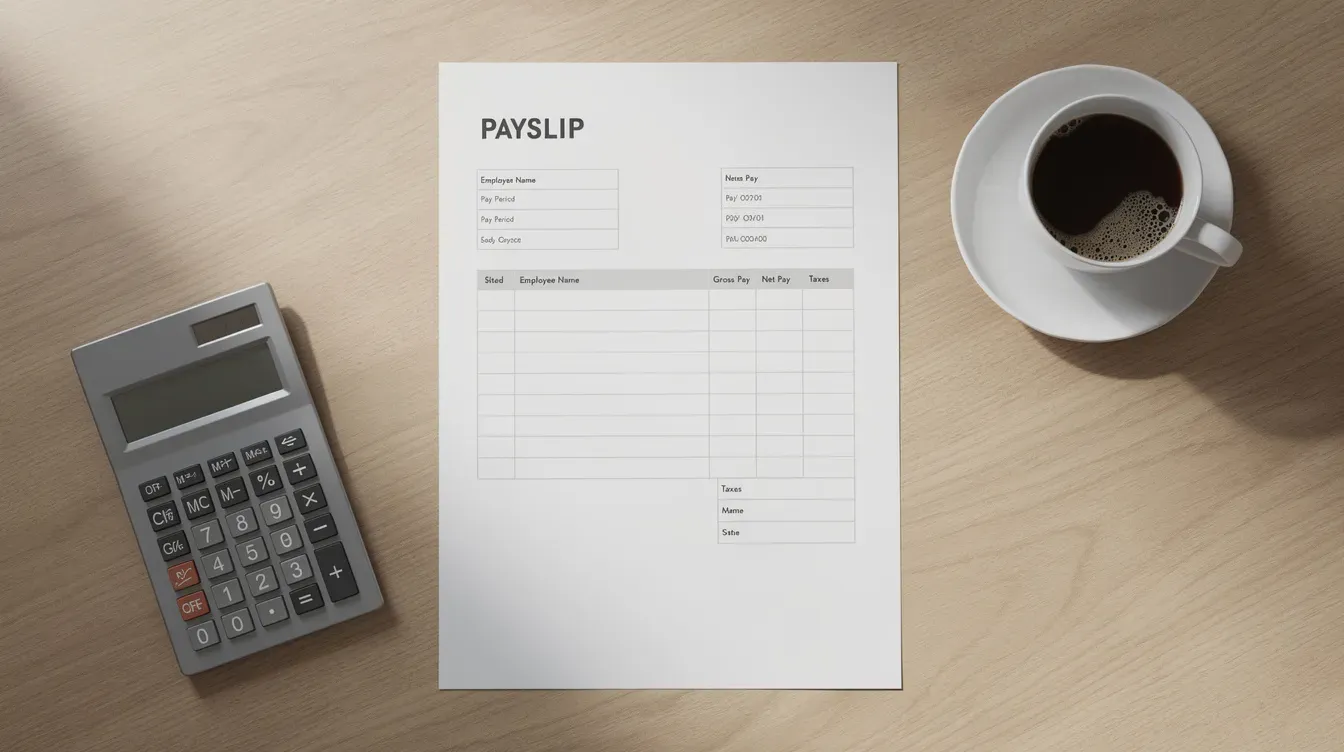
You can find your tax code on your payslip, your P60, in your personal tax account or through the hmrc app. The standard code for many taxpayers is 1257L, where the number represents £12,570 of tax-free allowance and the suffix L confirms eligibility for the standard personal allowance. Other suffixes include M and N (related to Marriage Allowance) and K (when benefits or debts exceed your allowance).
An incorrect tax code can mean you overpay or underpay tax throughout the year. If things look wrong, you should check and update your employment details through your personal tax account or phone HMRC to request a review. Catching errors early saves time and avoids surprises.
Self Assessment and Tax Returns
Self assessment is the system HMRC uses to collect income tax from individuals whose affairs are not fully covered by PAYE. You must complete a tax return if you are self-employed, a company director, a landlord with rental profits, or have significant untaxed income. HMRC uses the return to calculate income tax and national insurance due.
Key deadlines to mark:
Action | Deadline |
|---|---|
Register for Self Assessment | 5 October after the tax year ends |
Paper tax return | 31 October |
Online tax return | 31 January |
Pay tax owed | 31 January |
You can file online through HMRC's service or via recognised commercial software. Keeping accurate records - invoices, bank statements, expense receipts - is essential to fill in the return correctly and to prove your figures if HMRC raises a query. In 2024–25, 97.3% of returns were filed online, reflecting how far the system has come.
Sending Your Tax Return
Sending a complete and correct return on time avoids penalties and interest. To access the service, sign in with your government gateway user id or GOV.UK One Login credentials using your Unique Taxpayer Reference (UTR). Every government gateway user can save progress and return later, so there is no need to rush through everything in one sitting.
Before you send, double-check income figures, reliefs and allowances. Some complex cases - certain trusts or non-resident situations - may require commercial software or specialist forms. Always keep a copy of the submitted return and the HMRC acknowledgement for your records.
Paying Your Bill and Tax Refunds
HMRC calculates the bill based on your Self Assessment return. Payments are usually due by 31 January, with payments on account sometimes required on 31 January and 31 July for future liability. Accepted payment methods include online banking, debit card, Direct Debit and bank transfer. Late payment leads to interest and surcharges.
A tax refund can arise if too much tax was paid through PAYE or payments on account. Refunds are typically issued by bank transfer or cheque. Checking your tax calculation in your online account or the hmrc app helps you view how the bill or refund was worked out. Capital gains and other taxes included on the return may also affect what you owe overall.
Digital Services: Personal Tax Account and HMRC App
HMRC is transitioning to a digital-first organization for tax filings and interactions, and it promotes digital adoption through online services and an official app. Your personal tax account on GOV.UK lets you:
Check income tax and PAYE details
Update employment information and view tax codes
See Self Assessment status, payments and deadlines
Claim certain refunds
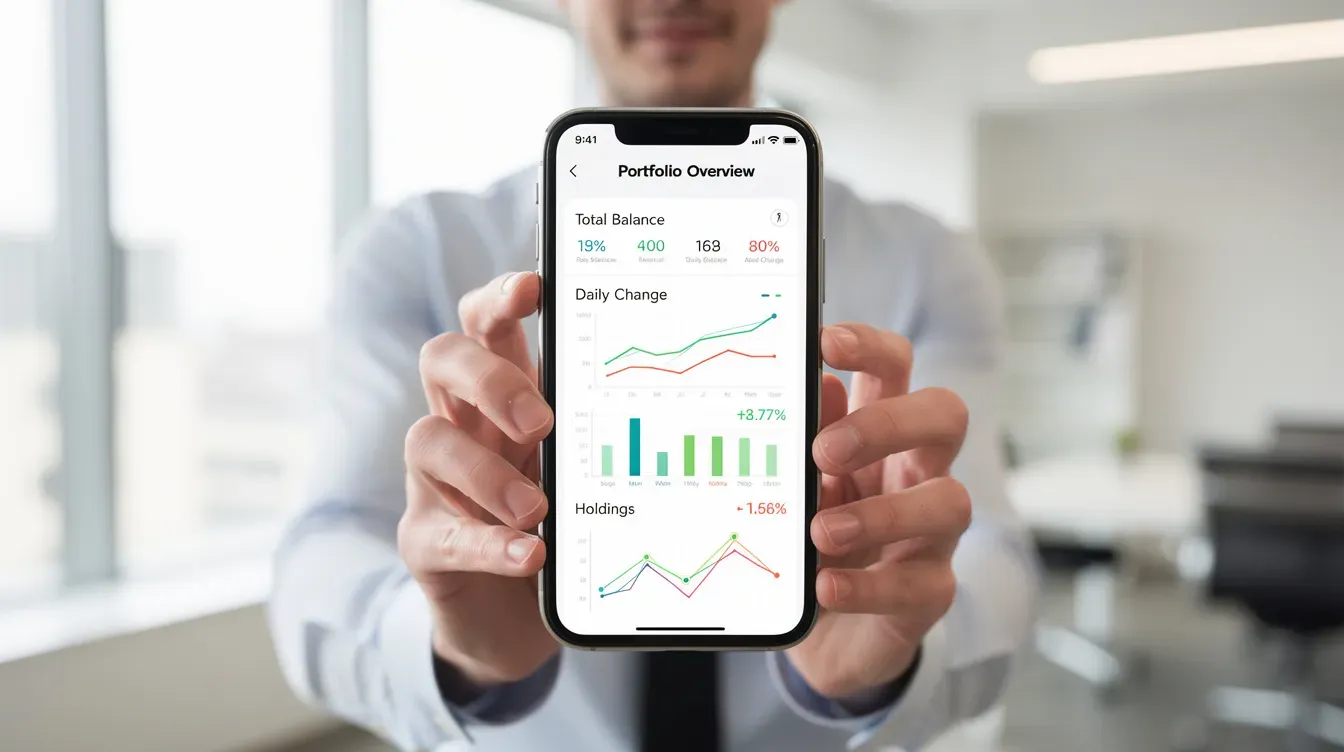
The hmrc app provides mobile access to similar features. You can view your national insurance number, student loan balance and upcoming payments from your phone. Download the app only from official app stores to stay secure, and sign in regularly to keep your information current - especially when changing jobs, moving home or starting self-employment.
Signing In or Setting Up an HMRC Online Account
There are two ways to sign in: government gateway or GOV.UK One Login. If you already have credentials, use your existing user id and password to access Self Assessment, PAYE, VAT and other services.
If you have never used HMRC online services, choose "Create new sign in details," verify your identity with documents like a passport or driving licence, and link your login to your tax records. Some services - corporation tax for larger businesses, customs or employer PAYE portals - may require separate sign-ins. Keep your password secure and up to date to protect personal tax information.
Making Tax Digital for Income Tax
Making Tax Digital for Income Tax starts on 6 April 2027, and it represents the biggest change since Self Assessment launched over 30 years ago. Under this initiative, self-employed individuals and landlords with property or business income will move from filing one annual return to sending quarterly updates and a final declaration.
Quarterly updates are required if turnover exceeds £50,000 from April 2026, with the threshold dropping to £30,000 from April 2027 and £20,000 from April 2028. Tax returns will no longer be filled out all at once. Instead, you will report income and expenses four times a year through recognised software, giving HMRC - and you - a more accurate picture of your tax position throughout the year.
The benefits HMRC aims for include more accurate tax estimates, fewer surprises at the 31 January deadline, and reduced errors from manual record-keeping. If you think you may opt into the system early or are close to the threshold, check your turnover now and start exploring compatible software.
Using Recognised Software and Sending Quarterly Updates
Under MTD, spreadsheets alone are not sufficient. Recognised software must be used to record income and expenses - this could be an app on your phone, a cloud bookkeeping system or a desktop package approved to send updates directly to HMRC.
Each quarterly update summarises gross income and allowable expenses for each business or property source. Deadlines fall shortly after each quarter ends. Even with quarterly reporting, a final end-of-period statement and declaration will still be needed to confirm figures and claim reliefs. Speaking to a professional adviser or software provider early will help ensure a smooth transition for your records.
HMRC Standards and Support
HMRC operates under a Charter setting out what people can expect: professionalism, fairness and confidentiality. HMRC protects taxpayer confidentiality by law and enforces tax laws to ensure compliance and fairness. At the same time, HMRC aims to help the honest majority get their tax right.
Communication happens through letters, secure messages in your online account and official guidance on the gov.uk page. Help is available via online guidance, webchat, telephone helplines and authorised tax agents, although phone queues can be long around Self Assessment deadlines.
HMRC uses digital tools and data-matching to find discrepancies, but it gives taxpayers opportunities to correct non-deliberate mistakes. If you receive a letter or secure message, respond promptly to avoid escalation into formal compliance checks.
FAQs
Do I need to complete a Self Assessment tax return if I am employed and pay tax through PAYE?
Most employed people do not need to file. However, you must complete a return if you have untaxed income - for example, significant savings interest, rental profits, self-employment income, foreign income or capital gains - or if HMRC specifically asks you to. Use HMRC's free online checker tool to find out whether you need to register.
How can I check if my tax code is correct?
Compare the tax code on recent payslips and your P60 with the code shown in your personal tax account or the hmrc app. Review any listed income sources and benefits. If job details, benefits in kind or personal circumstances are wrong, update them online or phone HMRC to request a code review.
How long does it take to receive a tax refund from HMRC?
Online Self Assessment refunds often reach bank accounts within a few days to a couple of weeks. Cheques and PAYE reconciliations can take longer. Delays may occur if HMRC needs to verify your id, check unusual claims, or if bank details are missing.
What happens if I miss the 31 January Self Assessment deadline?
An immediate £100 fixed penalty applies even if no tax is due. Further daily penalties and surcharges are added as lateness increases, and interest is charged on unpaid tax. Submit the late return and pay what you can as soon as possible. If you had a reasonable excuse, you may appeal the penalty with supporting evidence.
Is the HMRC app secure for managing my tax information?
The official app uses secure sign-in methods and encryption. Users should protect their devices with PINs or biometrics, only download the app from trusted app stores, sign out when finished, avoid public Wi-Fi for sensitive actions and keep login credentials private.


