Applying for a UK passport can feel overwhelming, especially when you're unsure whether your photos, forms, and documents meet the right standards. The check and send post office service exists to take that uncertainty away. In this guide, you'll learn exactly how both the digital and paper options work, what they cost, what to bring, and how to track your application from start to finish.
Quick overview: what is Post Office Check and Send?
Check and send is a paid post office service that checks your passport application for errors and submits it directly to HM Passport Office on your behalf. The post office does not make passport decisions - that responsibility sits entirely with His Majesty's Passport Office (HMPO). What the service does is reduce the risk of avoidable mistakes that cause delays and rejections.
There are two options available:
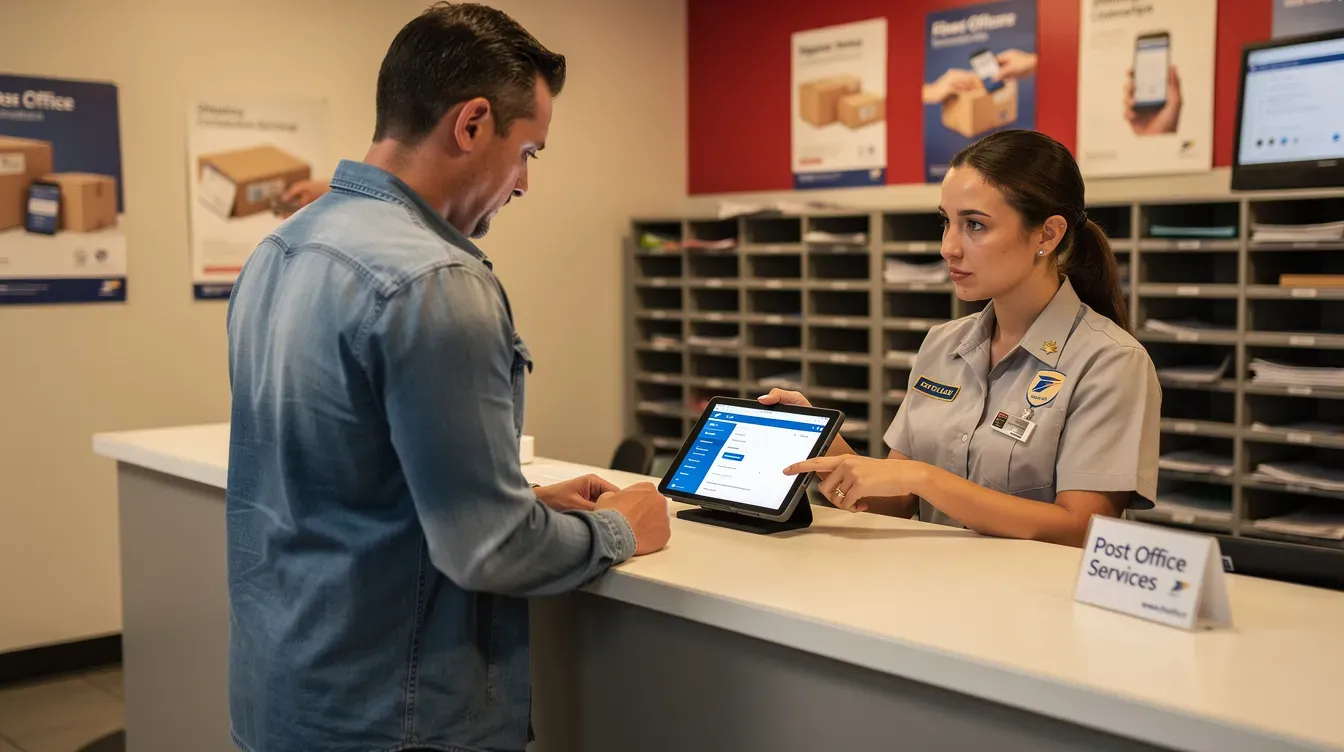
The digital check send service, where staff help you complete an online application on a tablet in branch
The paper check send service, where staff review a completed paper form you've filled in at home
Both are available for a new passport, passport renewal, replacement (lost, stolen, or damaged), and most child applications. Neither option covers urgent Fast Track or Premium services.
For standard, non-urgent applications, expect passport delivery within 3 weeks once HM Passport Office receives everything. However, during busy periods - particularly April through August - processing may take longer, and HMPO advises allowing up to ten weeks for complex cases. Check and send helps avoid application mistakes, and the service ensures all documents are acceptable before they're posted.
Digital Check & Send service (online application in branch)
The digital check and send service is an in-branch, tablet-based digital application where trained post office staff guide you through the entire passport application process. Rather than filling in a paper form, everything is completed on screen and submitted electronically into HMPO's Digital Application Processing system. Using check and send is usually faster than posting applications yourself because there are no paper forms to get lost in the mail.
This post office's digital check service includes taking a compliant digital photo in branch, completing the digital application form on a tablet, uploading the photo, checking all details with you, and sending everything securely to HM Passport Office. Check and send includes a compliant passport photo as part of the fee.
Digital check and send costs £16.00 including the photo, charged on top of the standard passport fee. An adult passport application via check and send costs £118 in total (£102 passport fee plus £16 send fee). A child passport application via check and send costs £82.50 (£66.50 plus £16).
You need an email address for identity confirmation and to receive updates from HMPO. Most UK residents can use this service for adult passport and child passport applications, though it is not available for customers applying from overseas. After your digital application is submitted, you receive a receipt and email with an application reference so you can track progress online.
Who can use Digital Check & Send?
In simple terms, eligibility covers UK-based applicants renewing an adult passport, replacing a damaged or lost passport, or applying for a first adult passport or first passport for a child in straightforward cases. You must have a name and email address on file and be able to receive digital communications - texts or emails - from HM Passport Office.
Some more complex cases, such as certain international applications, diplomatic passports, or additional passports, may be directed to a paper application instead. In Wales, some branches offer a Welsh-language version of the digital application, with Welsh-speaking clerks entering details on the tablet.
Staff in branch will confirm whether you're suitable for digital check and send or should use the paper check service instead. If you're not comfortable with tablets or online forms, you can always choose a paper application checked via the check and send counter.
Step-by-step: digital application process in branch
Here's what happens during a digital check and send appointment, from walking in to walking out with a receipt:
Staff confirm you're applying for the right type of passport and that the digital check send service suits your case.
A staff member takes your digital photo using the branch's equipment, or uploads a pre-taken photo, ensuring it meets HM Passport Office biometric standards.
The clerk opens the online form on a tablet, reads out questions if needed, and types in your answers - name, date of birth, address, parent's details (where applicable), and previous passport information.
The clerk checks the digital check on screen: spelling of names, dates, address, old passport number, and supporting document details. They'll ask you to confirm everything before submission.
Payment for both the HM Passport Office passport fee and the £16.00 digital check send fee is usually taken in a single card transaction at the counter.
Any physical supporting documents - such as an old passport, birth certificate, or marriage certificate - are placed in a special delivery envelope in front of you.
You leave with a receipt showing a reference number (PEX ID or similar). Keep this safe for tracking and any future queries.
Referees and digital identity checks
A referee is someone who can confirm your identity to HM Passport Office. You'll need one if you're applying for a first adult passport, a first child passport, or if your appearance has changed significantly since your previous passport photo.
For digital applications, most referees confirm identity online via a link emailed by HM Passport Office, rather than physically signing a paper photo. During the application process, you provide the referee's name, email address, and how you know each other. The referee must meet HM Passport Office guidelines: they should have known you for at least two years, hold a recognised professional standing, and usually be a UK resident.
If a referee does not respond or is rejected, HM Passport Office contacts you by email so you can nominate someone new. Post office staff can help you re-open your online application in branch to update referee details or upload a new photo. Up-to-date guidance on referee requirements is published on GOV.UK.
Paper Check & Send service (paper application checked in branch)
Paper check and send is the more traditional route. You complete a paper form at home, take your own printed passport photo, gather your supporting documents, and bring everything to a post office branch for checking. Staff review each section of the paper application, check signatures, confirm dates are in the right format, and examine photos against HM Passport Office standards.
Paper check and send costs £16.00 plus photo costs - unlike the digital option, printed photos are not included. The total cost of an adult paper application costs £131.50 including the checking fee (£115.50 passport fee plus £16). Once checked, forms and supporting documents are sent by Royal Mail Special Delivery directly to HM Passport Office on the same or next working day. Delivery options include Royal Mail UK Services and international services for different postal needs.
Paper applications may suit customers who prefer writing forms by hand, those without an email address, or specific case types that HM Passport Office has restricted from digital applications. The paper check service reduces mistakes in handwriting, missing pages, and incorrect countersignatures, helping avoid rejections or long delays.
Prohibited items should not be sent via postal services - staff will advise if anything in your envelope doesn't meet posting rules.
Making a successful paper application
Collect a paper passport application form in advance from your local post office branch and complete it carefully in black ink, using block capitals. Clearly print the recipient's address in capital letters on the envelope, and make sure packages should have a complete address including the postcode.
Common errors that staff see during passport check send include:
Mismatched signatures between the form and the countersignatory declaration
Missing dates of birth for parents
Using correction fluid instead of crossing out and initialling
Photos that don't meet size, background, or expression standards
You must bring the filled-in form, two identical photos (one countersigned if required), and all supporting documents such as an old passport, birth or adoption certificate, and name-change evidence. During check and send, staff will point out any missing information and may ask you to correct errors before posting. This can save the cost and frustration of having HM Passport Office return forms for correction.
You receive a post office receipt showing the special delivery tracking number so you can see when HM Passport Office has received your envelope.
What you need to bring: digital vs paper applications
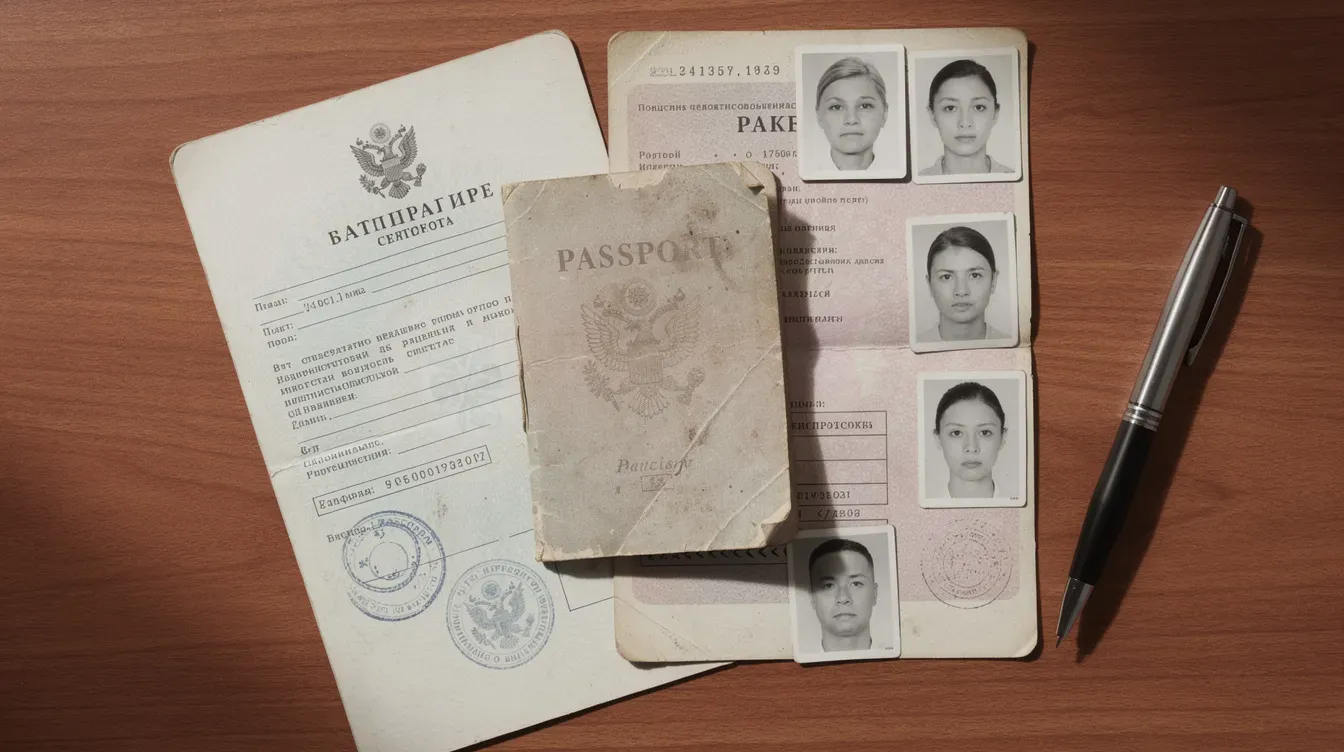
What you need depends on whether you're renewing, replacing, or getting a new passport - and whether you use digital check or paper check. Here's a breakdown:
For digital applications:
Your old passport (if you have one), even if expired
Proof of name change (marriage certificate, civil partnership certificate, or deed poll) if your new name differs from your previous passport
Email address of someone who can confirm your identity (referee), if required
UK mobile number for text updates
For paper applications:
Completed paper form in black ink, block capitals
Two identical printed passport photo prints (one countersigned where required)
Original supporting documents - never photocopies
Countersignature from someone who can confirm your identity, where HM Passport Office requires it
People applying for a first passport usually need detailed information about their parents, including full names, places and dates of birth, and sometimes marriage details. For someone under 16, you must provide both parents' details unless one parent is the sole adopter or only parent named on the birth or adoption certificate.
Renewing or replacing an adult passport
For a standard adult renewal via check and send, bring your old passport for renewal applications, even if it has expired for several years. If your old passport is lost, stolen, or badly damaged, you'll need extra information - details of when it went missing and the name and email of someone who can verify your identity.
HM Passport Office defines damage as water damage, torn pages, or peeling laminate. Badly damaged passports may require a full replacement rather than a straightforward renewal.
Provide proof of name change if applicable. Customers who have changed their name must bring documents from both identity categories - for example, a marriage certificate or civil partnership certificate, deed poll, or gender recognition certificate. The letter or document confirming the change should be the original.
Adult renewal applications through digital check and send usually do not need a countersignature unless your appearance has significantly changed. Before sending your old passport, check any visas inside it - some countries require valid visas to be transferred or replaced.
First adult passport and applying for someone under 16
First adult passport and first child passport applications require more proof of nationality and identity than simple renewals. Check and send staff will guide you through this, but preparation matters.
First-time applicants often need:
Original birth certificate or adoption certificate
Parent's details (full names, dates and places of birth, nationality)
Sometimes parents' passports or birth certificates to establish British nationality
For children under 16, the person with parental responsibility must attend and provide information about both parents unless legally exempt. Confirmation of a child's identity is usually done via a digital referee - using the email of someone who knows the child - unless the child is over 12 and has a previous passport that can be used to confirm the child's identity. A parent named on the birth certificate or adoption order must typically give consent.
Both digital and paper check and send services help parents ensure they have the right documents before HM Passport Office receives the application. Processing times for first passports can be longer than renewals (up to six weeks as a target), so families should apply well before planned travel dates.
Costs, payment and refunds
Check and send is an additional post office service fee on top of the standard HM Passport Office passport fee, which is set nationally and may change each year. Here's a summary of current 2026 costs:
Application Type | Passport Fee | Send Fee | Total |
|---|---|---|---|
Adult standard (34-page) digital | £102.00 | £16.00 | £118.00 |
Adult frequent traveller (50-page) digital | £116.00 | £16.00 | £132.00 |
Child standard digital | £66.50 | £16.00 | £82.50 |
Adult standard paper | £115.50 | £16.00 | £131.50 |
The check and send service costs £16.00 per application in both digital and paper formats. The digital check fee includes taking a digital passport photo in branch, while paper check customers pay separately for printed photos. The check and send service is free for eligible applicants in certain categories - staff will advise if fee waivers apply to your situation.
Most branches accept debit and credit cards for both the passport fee and check and send fee. Some may accept cash, but check locally. Payment is typically processed in a single transaction.
When you might get a refund
Refunds of the check and send fee are rare. If HM Passport Office issues a letter or email confirming that a post office mistake directly caused a problem - for example, if a clerk failed to spot an unsigned form - you can present that letter and your receipt at the branch to request a refund.
You do not get a refund if HM Passport Office refuses a passport because of eligibility issues, incorrect personal information you provided, or identity concerns. Passport application fees are controlled by HM Passport Office, and questions about HMPO refunds must be directed to official GOV.UK or passport helpline channels.
All refund decisions follow formal post office and HM Passport Office guidance, so branch staff may need to escalate complex cases. Keep your digital check send receipt or paper service receipt - these help staff trace the transaction if a refund is ever needed.
Tracking, updates and what happens after you apply
Once the check and send process is complete, responsibility passes to HM Passport Office, which processes the application and issues your passport. You receive updates via text and email during processing at key stages - when documents are received, when the application is approved, and when the new passport is dispatched.
Customers using either digital check and send or paper check and send can track progress online using the reference on their receipt or confirmation email. A unique tracking number is typically 9–27 characters long, and the tracking number is needed to check delivery status for your documents sent via special delivery.
Standard, non-urgent applications often take around three weeks, but HM Passport Office advises allowing up to ten weeks during busy periods or if extra checks are needed. If HM Passport Office needs more information or a new photo, you may be invited to return to the post office branch where staff can resubmit updated details without an extra check and send fee.
For general postal tracking beyond your passport application, several tools can help. You can use the USPS Tracking tool to view the exact status of a package sent internationally. Informed Delivery allows users to preview images of incoming mail in the US. You can also text your tracking number to 28777 for real-time package status updates on US shipments, or download the USPS Mobile app to scan tracking codes and manage deliveries. For UK mail, Royal Mail's tracking service covers your special delivery items.
Do not book non-refundable travel based solely on estimated processing times. Always apply well in advance of holidays, study trips, or work travel.
If HM Passport Office asks for more information
HM Passport Office may contact you to clarify details, request original documents, or ask for a new photo if the first one does not meet their biometric standards. You can often respond by following a link in an HMPO email, posting extra documents directly, or visiting the post office again for help with a revised digital application.
There is normally no extra check and send charge to update a digital application in branch when HM Passport Office has specifically asked for a correction. Delays can occur if you're slow to reply or if referees don't confirm identity promptly, especially for first adult passport and child passport cases.
Monitor your email - including spam folders - and SMS messages regularly during the application process. If you believe your documents are lost in transit, contact HM Passport Office first, who may then instruct you to liaise with the post office or Royal Mail about tracking.

Finding and using a Post Office Check & Send branch
Not every post office offers both digital and paper check and send, so confirm which services are available before travelling. Waiting times can be checked using the Post Office Branch Finder, where you can search by postcode and filter for services like "Passport Check & Send – Digital" or "Passport Check & Send – Paper." Look for the post office logo on the branch listing to confirm it's an official location.
Some busy branches operate an appointment system for digital check send, especially before peak holiday seasons. If you have accessibility needs - wheelchair access, hearing loop, or prefer a quieter time - call ahead. Allow enough time in branch: typically 20–40 minutes per application, longer for first adult or child applications with complex details.
Whether you choose the send digital check route or the paper option, the passport check send service is designed to help you get your passport application right first time and reduce the risk of delays. Gather your documents, fill in what you can in advance, bring proof of everything, and let the post office staff complete the final checks. The earlier you apply, the less you'll worry about timing - and the sooner that new passport will be in your hands.


