
Waiting for a new passport can be stressful, especially with a trip on the horizon. The good news is that HM Passport Office provides several ways to track your passport application progress in real time. This guide walks you through every tracking method, what the status updates mean, and what to do if something goes wrong.
Quick answer: how to track a British passport application
Passport tracking in the UK is handled through His Majesty's Passport Office, and the method you use depends on how you applied. If you applied online, at the post office, or via a paper form, each route has its own tracking process.
Here are the three main ways to track your application:
Online tracking (PEX reference) - for applications submitted online through GOV.UK with a digital photo
Post Office tracking (POD / receipt reference) - for applications submitted via the Digital Check & Send service at a Post Office branch
Phone tracking (Passport Adviceline) - for paper form applications or older submissions without a PEX or POD reference
To use any of these tools, you will need your application reference (PEX, POD, or paper form number) and your date of birth.
One critical detail: the "passport issue date" shown when you track your application is a target issue date only. It reflects current turnaround times and is not a guarantee. Applications typically take around 3 weeks to process after HM Passport Office has received all your documents, but this can vary.
Do not book non-refundable travel until your new passport is physically in your hands - even if the tracker shows a promising date.
Understanding UK passport tracking and status updates
When people refer to "passport tracking," they mean monitoring the progress of a UK passport application with HM Passport Office. You can track your application from the moment it is submitted until your new passport arrives at your address.
Passport applications are processed daily by the passport service. When you check your application online, the stages include application received, documents received, application approved, and passport issued. More specifically, the tracker may show statuses like "being processed," "being printed," and "posted."
Passport status updates are available daily online. The tracking data is pulled directly from HM Passport Office systems and normally refreshes at least once every 24 hours. Notifications are sent at several key stages during the passport application process, keeping you informed by email or text as things move forward.
Once all required supporting documents have been received and checked, tracking results will display a target issue date. This gives you an estimate of when your passport should be ready.
One thing to note: tracking sessions on the official website expire quickly - typically after around five minutes of inactivity - for security reasons. If your session times out, you will need to re-enter your details.
How to track your British passport if you applied online
Most people now apply online and receive a PEX reference, which is the quickest and easiest route for passport tracking.
If you applied online with a digital photo through GOV.UK, your application reference will start with "PEX" followed by digits. You can track online applications with a PEX reference number by visiting the official UK government passport tracking page, where you enter your details to view real-time status updates.
You can also track applications using an 11-digit application number, depending on the format issued to you at the time of submission.
The online tracker will show whether HM Passport Office has received your digital photo, payment, and any documents you posted in. It will also display your current target issue date once everything has been logged.
If you used a third-party guidance website but submitted your application through GOV.UK, you will still receive the same PEX reference by email or text. Always use the official HM Passport Office tracker rather than any unofficial tools.
Applied online with a digital photo: step-by-step tracking
Here is how to check your passport application progress if you applied online:
Find your PEX reference in the confirmation email or text message you received after submitting your application.
Visit the GOV.UK tracking page - search for "track your passport application" on the government website.
Enter your details - type in your surname, date of birth, and PEX reference number.
View your status - the tracker will show the current stage, whether documents have been received, and your target issue date.
Check for dispatch updates - once your passport has been "printed" and then "posted," delivery within the UK usually takes one to two days via Royal Mail tracked service. International deliveries via carrier may take longer.
Check tracking once daily rather than multiple times per hour. Current processing times can shift, but they do not change minute by minute.
If your online status has not changed for significantly longer than the published current turnaround times, contact HM Passport Office using the official helpline or webchat. Do not wait indefinitely without taking action.
Tracking a UK passport applied for at the Post Office
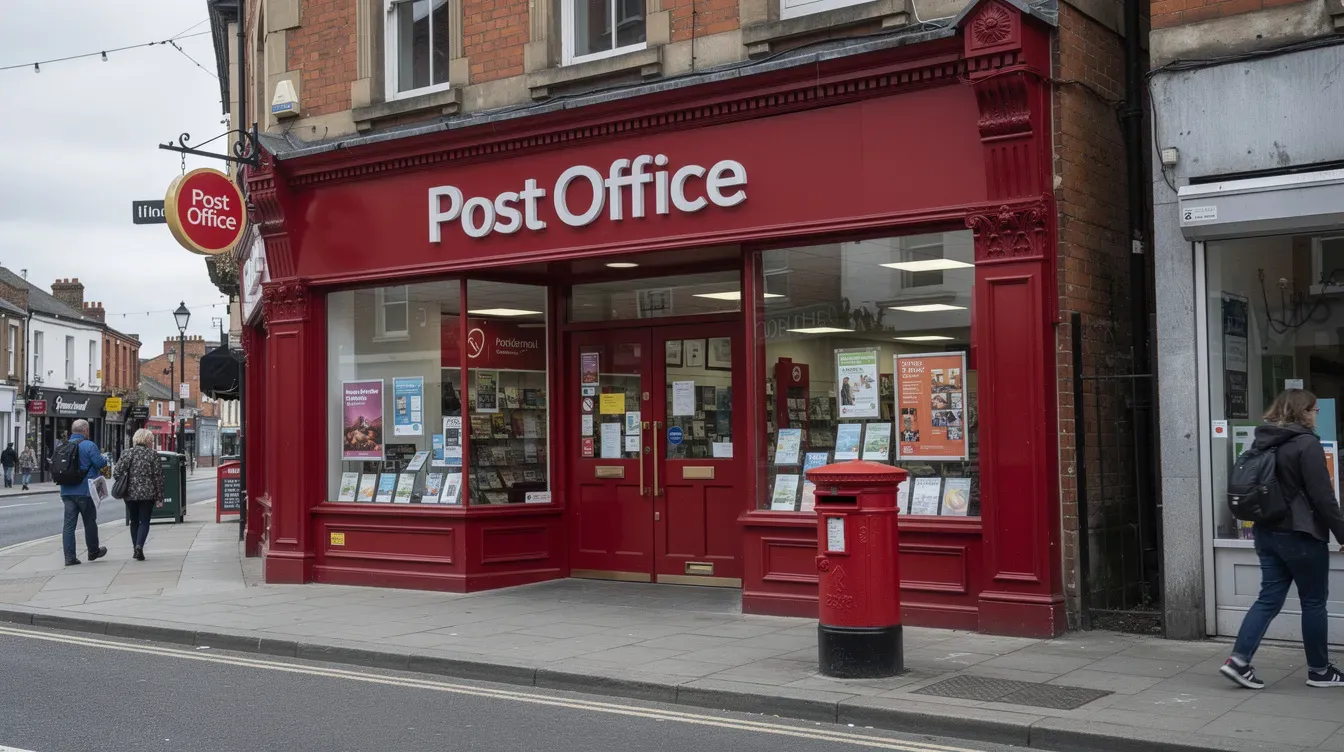
Many people use the Post Office Digital Check & Send service to submit their passport application. The good news is that you can still track your application status afterward.
When you use Digital Check & Send, you will receive a unique 10-digit reference number on your Post Office receipt. Use a 10-digit reference number to track your application via this route. Keep this receipt safe - it contains the tracking and postage details you will need.
After the post office has submitted your application to HM Passport Office, it will usually be assigned a PEX or POD style reference. This reference can then be used for online passport tracking through the official GOV.UK tracker.
However, if you applied using a paper form that was simply checked at the post office, you may need to use phone tracking via the passport adviceline at first, rather than the online tracker.
If you used Digital Check & Send at a Post Office branch
The Digital Check & Send service handles three things at the branch: your photo is taken or checked, your form is reviewed for errors, and your documents are sent securely to HM Passport Office.
Once HM Passport Office has received and logged the application, you may be sent a confirmation email or letter with an application reference you can then enter on the official tracker. This is when online tracking becomes available for your application.
It is important to understand that the post office itself does not control processing times or approvals. Its role is limited to helping you submit the passport application correctly and providing an initial tracking reference for postage.
After HM Passport Office marks your passport as "posted," you may also receive a Royal Mail or other carrier tracking number. You can use this to monitor the final delivery leg separately from the HM Passport Office tracker.
Tracking a paper passport application by phone
Some British passport applications are still filled in on paper and posted directly to HM Passport Office. These cannot always be tracked online immediately, especially if no PEX or POD reference has been assigned.
For paper applications, call the Passport Adviceline to track your passport status. Using tracked mail is recommended for paper applications to ensure delivery confirmation.
Here are the key contact details:
Contact method | Number / detail |
|---|---|
UK callers | 0300 222 0000 |
Calling from abroad | +44 (0)300 222 0000 |
Text relay / textphone | Available for hearing or speech difficulties |
Typical operating hours are Monday to Friday 8am–8pm, and weekends and uk bank holidays 9am–5:30pm (including Saturday, sunday, and friday bank holidays). These hours can change, so confirm them on GOV.UK before calling.
Before you ring, have the following ready to speed up the process:
Your full name
Date of birth
Application reference from the paper form or receipt
Any Royal Mail tracking number for documents you submitted
Date you submitted the application
What information you can get over the phone
Staff at HM Passport Office can confirm whether your paper application has been received, whether supporting documents like birth certificates or expired passports have been logged, and which stage processing is at.
Callers can ask for an indication of how long applications of their type typically take - whether it is a new passport, a renewal, a child passport, or an overseas application. Processing times vary based on application type and submission method.
Phone agents cannot provide a guarantee of a specific issue date. However, they can give guidance on whether your application is running within, ahead of, or behind current processing times.
If you have urgent travel plans within the next few weeks, make sure to mention your travel date when you contact the adviser. They may be able to suggest upgrade or fast-track options, subject to HM Passport Office rules.
Target Issue Date and current passport turnaround times
When you track your British passport, you will often see a target issue date. This is an estimate based on current workload at HM Passport Office.
Target issue dates reflect current turnaround times - they are not a binding promise. The date can shift forwards or backwards if extra checks are required, supporting documents arrive late, or demand changes suddenly.
Target issue dates usually only appear once all mandatory documents and photos have been received and accepted. If you have not yet sent everything in, no date will show.
Here is a summary of published turnaround times:
Application type | Target processing time |
|---|---|
Online adult/child renewal | Around 3 weeks |
First-time adult or child passport | Up to 6 weeks |
Applications from overseas | Longer, due to international postage |
GOV.UK publishes general guidance on these current turnaround times. Recent performance data shows that over 99% of renewals and 98–99% of first-time applications are delivered within their target timelines. But current processing times are not guaranteed for any individual application.
Compare your own passport application progress with these published figures, but avoid assuming your passport will definitely arrive on the target date.

Factors that can delay your passport issue date
Several things can push your application beyond the expected date:
Photo problems - rejected photos due to background, lighting, shadows, or glasses glare are one of the most common causes of delay
Missing or incomplete documents - birth certificates, old passports, naturalisation papers, or countersignature errors
Incorrect fees - underpayment or payment processing issues
Extra security checks - identity verification, especially for first-time applications or unusual records
Seasonal demand - pre-summer (April to July) and Christmas periods see higher volumes, which can extend average processing times despite published targets
Applications made from outside the UK typically take longer due to international posting of documents and passports. If your application requires documents to be returned, allow extra time.
If your target issue date has passed and tracking has not changed after several days, contact HM Passport Office using webchat or telephone. Do not simply wait and hope.
Help and support from HM Passport Office
His Majesty's Passport Office is the only official body responsible for issuing British passports. All passport tracking ultimately comes from their systems. No third-party service can speed up or override HMPO's process.
Here are the main ways to find help with your application:
Telephone - the Passport Adviceline at 0300 222 0000
Webchat - available on GOV.UK for real-time conversations with an adviser about your application status, documents, or tracking problems
Online enquiry form - best for non-urgent questions, typically answered within around 72 hours via email
For postal correspondence or when you need to send additional documents, use the official HM Passport Office address listed on your application paperwork and on GOV.UK. Always keep copies of everything you send, and use tracked postage so you have proof of delivery.
When to contact HM Passport Office about tracking
Not every pause in your tracking status requires a phone call. But there are clear moments when you should escalate:
No movement beyond advertised turnaround times - if your application type should take 3 weeks and you are well past that with no update, it is time to get in touch
Missing documents - if important documents sent in support of your passport application have been returned incorrectly or appear to be lost, contact them immediately
Urgent travel - if you need to collect your passport or have travel within two to three weeks, explain your travel date when you call; this may affect the advice and options you receive
No confirmation of receipt - if you submitted by post and tracking shows nothing after a reasonable period, check that your application was received
Before starting a webchat or phone call, bring all relevant details together: your application reference, date you submitted, and any Royal Mail or carrier tracking numbers. This will help the adviser locate your case quickly and provide the most useful support.
Passport tracking does not have to be a source of anxiety. Use the right reference, visit the correct tool, and know when to pick up the phone. The single most important piece of advice: apply well before you need to travel, and never assume a target issue date is set in stone.


